 Content / Perspective
Build Trust on Your Website Before the First Conversation
Help Malaysian customers verify your business identity, assess relevant work and understand what happens after an enquiry.
Read the article
A brochure and a website can share the same facts without doing the same job. Give customers readable answers first, then offer a document when they need one.

A supplier asks for your company profile. You send a PDF. Later, someone asks whether you provide a particular service, and you send the same file again. Before turning that brochure into the whole website, separate two needs: reading current service information and receiving a document to keep.
For a Malaysian small business, both formats can be useful. A web page can explain the service in the context of your navigation and contact options. A PDF can accompany an email, a purchasing discussion or a meeting. The decision is about the reader's task, not which format looks more formal. The photographs here illustrate reading and document work; they do not show customer projects.
Ask what a person needs before deciding to contact you: the service offered, where it is available, important exclusions and how to continue. Let people read those answers directly, without making a download the only route. A customer who needs one answer should not have to search through an entire company profile.
Imagine a hypothetical equipment supplier. Its brochure contains the company history and several product families, but a visitor needs to know whether maintenance is available for an existing machine. The service page can answer that question and identify any model restrictions. The broader profile remains an optional reference. This is an illustrative planning example, not a report about a client.
If those answers are not yet clear, use our service-page buying questions guide to plan the actual information. Choosing HTML instead of PDF will not fix vague writing on its own.
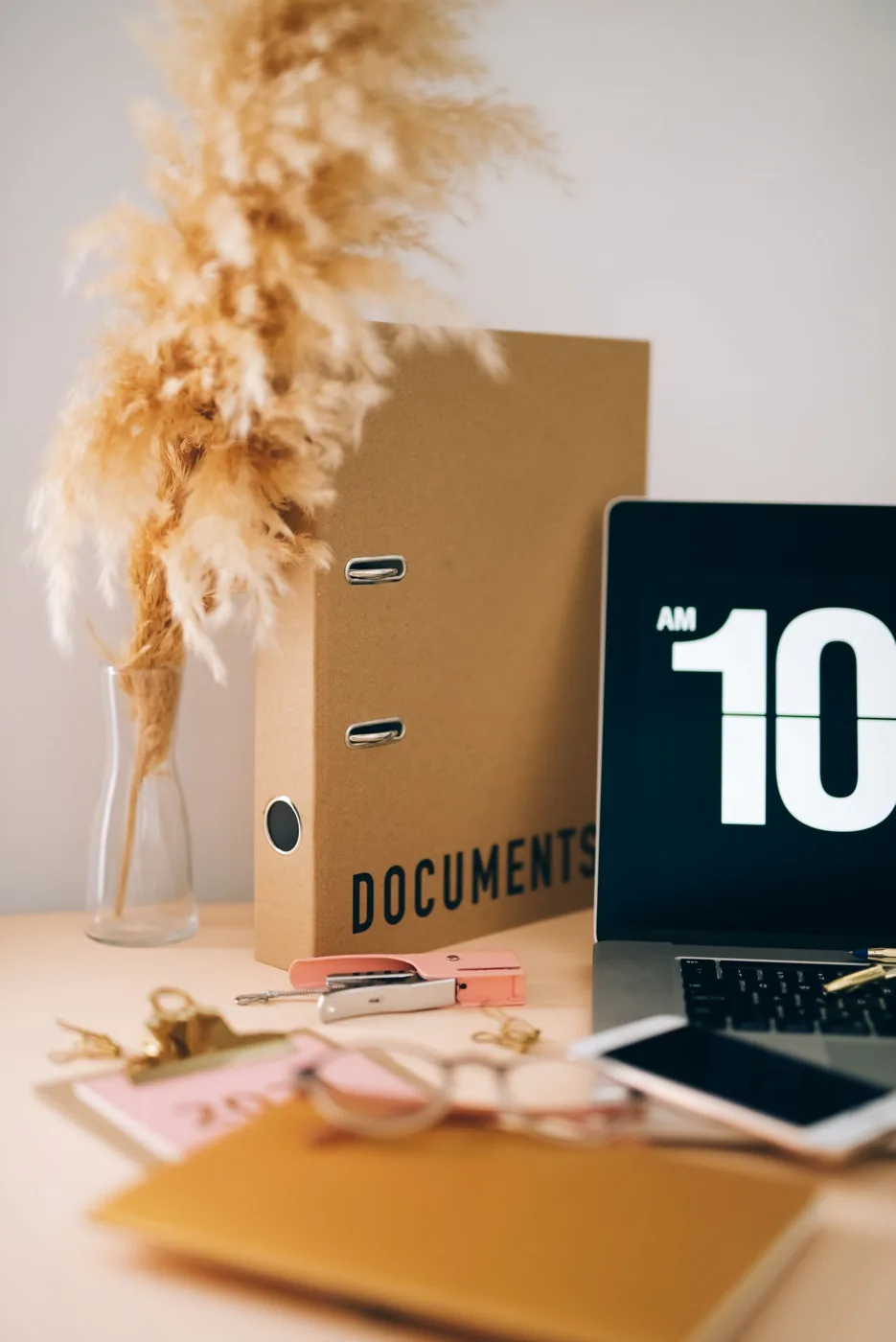
A PDF makes sense when someone needs an approved document to circulate, print or include in a submission. Follow the recipient's actual requirements rather than assuming every purchasing team wants the same format. A short capability profile or a product specification sheet can be useful alongside a service page.
Give each file a defined purpose. A general company introduction, a dated price list and a technical specification have different update needs. Combining everything into one large brochure can force customers to download unrelated material and makes small changes harder to manage. Keep confidential quotations and customer documents out of public downloads.
Do not require both formats for everything. If nobody needs a printable or portable version of a short service explanation, maintaining a second copy adds work without an obvious benefit. Start with the material people actually request.
When moving existing material to the website, extract the useful facts before copying the layout. Group related answers under clear headings, remove repeated introductions and link to relevant projects. Put contact details near the next step. A stack of full-page brochure images preserves the design but leaves the reader working around a printed page.
If you are comparing ready-made website layouts, test one with a real service description from your brochure. Check whether its existing sections fit the information. Review the current package scope before assuming that document conversion, rewriting, a large catalogue or an extra download workflow is included. A prepared layout is a starting structure; the content still needs an editorial decision.
Keep specifications that genuinely need a table organised as a table, with help from the website provider when necessary. Do not force a complex technical sheet into a tiny image simply to fit the design. Sometimes the sensible arrangement is a short web explanation plus a clearly labelled specification download.
Open both formats on a phone. Increase the text size on the page, then try reading and finding a section in the PDF. Check whether the information remains usable without repeatedly dragging around a print-sized sheet. Also test the links inside the document; a readable file can still contain an old contact destination.
The UK Government Digital Service's accessible-document guidance prefers HTML for publishing information and recommends meaningful structure in documents. Its government rules are not a statement of Malaysian business law, but the design principle is relevant: choose a format people can comfortably use. HTML is not automatically accessible, and a PDF is not automatically inaccessible.
For a PDF you retain, ask for real text, sensible reading order, descriptive links and an accessibility check. A scan of printed pages is a different starting point from a structured digital document. Keep the editable source so corrections do not depend on reconstructing the file later.

Tell readers what the file contains before they open it. A label such as “Company capability profile — PDF, English” is more helpful than “Click here”. Add the actual file size and issue date where useful, and keep them correct when replacing the file. Provide the matching language version when available; do not disguise an English document behind a Chinese label.
The surrounding page should still contain enough information to decide whether the document is relevant. Include a normal route back to services or contact. If the download opens another browser tab, make that behaviour clear. Opening a file should not be described as submitting an enquiry or confirming an order.
Try the published download while signed out. Check that it opens the intended public file rather than a staff-only storage link, an editor preview or an older attachment. Test from the website as well as from a message containing the link.
Google's supported file-type documentation includes both HTML and PDF. Saying that PDFs can never appear in search is incorrect. Supported format does not guarantee that a particular file or page will be indexed or rank well.
For everyday service information, a web page gives you a useful place to connect related explanations, examples and contact actions. That is a reader-focused reason to use it. There is no need to promise an SEO advantage you have not measured, or to publish identical material in several places merely to target the same keyword.
Record which version controls changeable details such as the service area, specification or contact number. Before issuing a new brochure, compare it with the current website. Put a version or issue date inside the document so a saved copy can be identified after it has been forwarded.
A downloaded attachment does not change when you update the website. Include the public service-page URL in the PDF so readers can check current information. Replacing the hosted file may help future downloads, but it cannot replace copies already saved on customers' devices. Tell the sales team which document is approved and retire old attachments from their working folders.

Choose a service customers regularly ask about. List what belongs on its public page, what needs a separate document and what should only be shared privately. Then test the arrangement with someone unfamiliar with the business: can they find the answer, identify the right document and understand how to contact you?
You may discover that the existing brochure needs only a shorter web explanation and one useful download. Or you may find that the PDF no longer serves a separate purpose. Keep the formats that support a real task, and make maintaining their accuracy part of the publishing decision.
Content / PerspectiveHelp Malaysian customers verify your business identity, assess relevant work and understand what happens after an enquiry.
Read the article Content / Perspective
Organise website project photos with a clear cover, useful detail shots, concise captions and language-specific alt text.
Read the article Content / Perspective
Review contact details, services, dated promises, photographs and both languages, then separate content corrections from technical work.
Read the article