 Content / Perspective
How to Add New Project Photos Without Making Your Website Messy
Organise website project photos with a clear cover, useful detail shots, concise captions and language-specific alt text.
Read the article
Help Malaysian customers verify your business identity, assess relevant work and understand what happens after an enquiry.

A prospective customer may open your website from a forwarded link and decide whether it is worth sharing a phone number or arranging a visit. Think through three questions they may ask on their own. Who am I dealing with? Have they done work like mine? What will happen if I contact them? Put an answer close to the page where each question comes up.
If your trading name differs from the name on your quotations, explain the connection in plain language. Put the name customers will see on paperwork alongside your public contact details, and use the same spelling across the website. Publish the correct registration details where appropriate. A reader who needs company or business information can consult the Companies Commission of Malaysia’s e-INFO service listing. A registration record establishes identity details. Customers will still need separate evidence about the work itself.
For example, a hypothetical floral studio might say that it works by appointment, provides a business number for enquiries and issues quotations under its registered name. A customer can identify the business without assuming the studio accepts walk-ins. If visitors compare your site with Maps, use the Google Business Profile consistency checklist to check names, opening hours and service areas across both places.

When you claim experience with a particular service, link to one relevant completed project and name your role. A hypothetical event supplier might show a photo of a stage backdrop and say it supplied and installed the backdrop for an indoor event. That gives the reader a useful detail to compare with their own needs. Describe what your team handled, and credit partners where their contribution is relevant. Ask permission before using client material, and keep private addresses and personal details out of public examples.
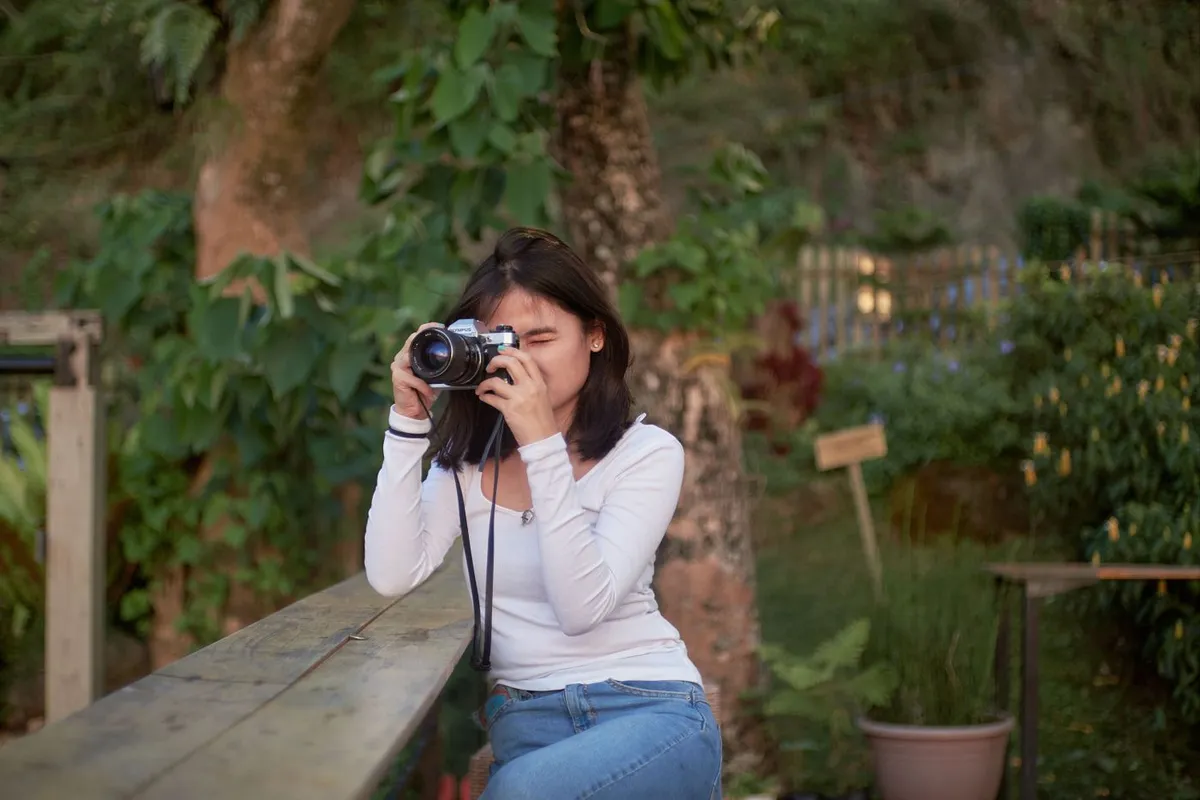
A team photo can help customers recognise who they will meet. Caption it with accurate names or roles when the people pictured agree. Use stock photography to illustrate a general scene, as in this article. Keep photographs presented as evidence of your premises, staff or completed work specific to your business.
Tell visitors which channel your team actually monitors and what information helps you reply. If a service needs an assessment before you can quote, say who reviews the request and when the customer can reasonably expect a reply. A hypothetical repair company might ask for a model number and a brief description, then explain that a staff member will confirm whether a visit is suitable. The customer can tell what has been requested and what remains to be agreed.

If a customer agrees to be quoted, confirm the wording and how they want to be identified. A short review is easier to interpret when the reader can tell which service it describes. Keep the meaning of the original and check translations with care. For reviews already published on a platform, a link to the original can help customers read the full context. Google’s Maps contribution policy calls for reviews based on genuine experiences and prohibits incentives for posting them.
If your business is new, start with evidence you can honestly provide. A worked example can demonstrate a process if it is clearly labelled as illustrative. An approved sample or a photo of your own work may help the reader judge the outcome they can expect.

Send a service page to someone who does not know your business. Ask them to find the name that would appear on a quote, one piece of evidence that relates to the service and what the first reply would cover. Watch where they stop. Fix that gap on the page or add a link to the right detail. Repeat in both languages and make sure any process, availability or payment wording still matches what your team does.
Content / PerspectiveOrganise website project photos with a clear cover, useful detail shots, concise captions and language-specific alt text.
Read the article Content / Perspective
Review contact details, services, dated promises, photographs and both languages, then separate content corrections from technical work.
Read the article Content / Perspective
Choose where service information belongs, make downloads useful and keep your website and PDF brochure from contradicting each other.
Read the article